Automate the routine. Keep the control.
Mekorma Payment Hub v1.2 helps you move recurring payment work off the to-do list with scheduled automation built into Business Central
Book a DemoPayment Hub v1.2 Is Here
Less manual batch work. Fewer after-hours logins. More time for the decisions that need your attention.
v1.2 lets you set up recurring payment work to run automatically while your team stays in full control.
The work that keeps showing up
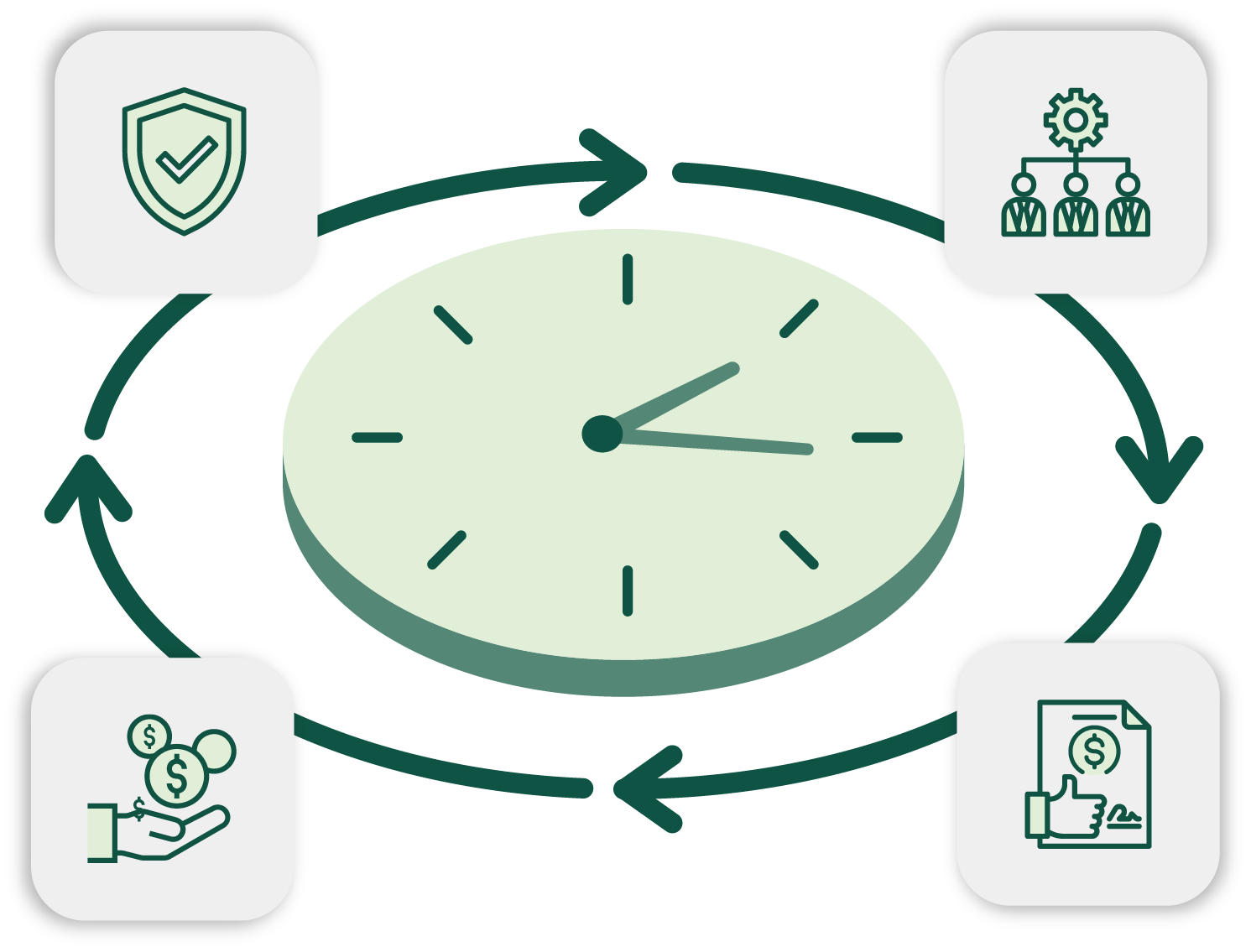
Every Accounts Payable team has work that repeats on a rhythm. Build the batch, send it for approval, keep an eye on timing, and make sure someone logs in to keep things moving.
In standard Microsoft Dynamics 365 Business Central, that routine often lands at the end of the day, or even on the weekend. It gets done, but it still depends on someone being there to push the process forward.
Mekorma Payment Hub v1.2 changes that.
Unlock touchless payments
With this new capability, recurring payment runs no longer need to be started by hand.
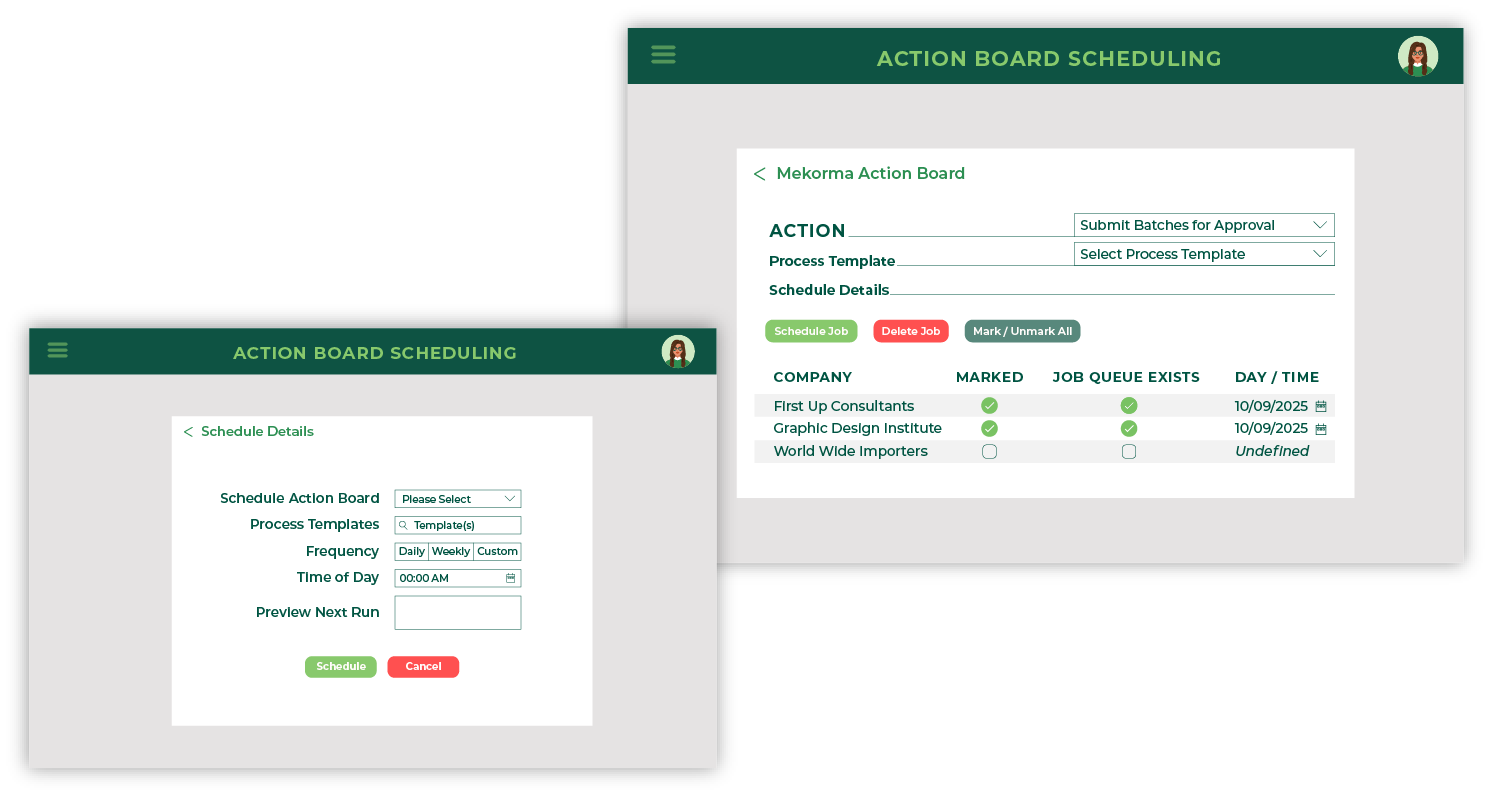
You set the schedule. Mekorma Payment Hub takes care of the routine work automatically, whether that means overnight, on weekends, or at the time that best fits your process.
That means payment batches can run when they are supposed to, without depending on someone to log in and keep everything on track.
Set it once. Let it run on schedule. Stay focused on the work that needs a person.
Automation without losing oversight
Automation should support the way your team works.
Mekorma Payment Hub v1.2 was built to keep control where it belongs and enable smoother processes. With configurable checkpoints throughout the process, you decide where a human touch is required and where the system can continue on its own. Approval steps stay exactly where you want them.
The routine can move forward automatically while the important decisions remain with your team.
Why this matters for AP teams
The impact shows up in practical ways.

Late-day batch runs stop taking over the schedule

Less need for weekend or end-of-day logins

Fewer repetitive manual steps

AP staff can spend more time on exceptions, questions, and decisions

Finance leaders get a more consistent process with fewer manual touchpoints

Fewer unmonitored touchpoints mean less exposure to errors and fraud
This is not about changing everything overnight.
It is about removing the parts of the day that never needed to be manual in the first place.
However the invoice gets posted, your payment workflow should not stall because someone has to restart the same routine tasks every cycle.
Mekorma Payment Hub v1.2 helps close that gap, so the path from invoice to paid feels smoother, more consistent, and less interrupted.
Built inside Business Central
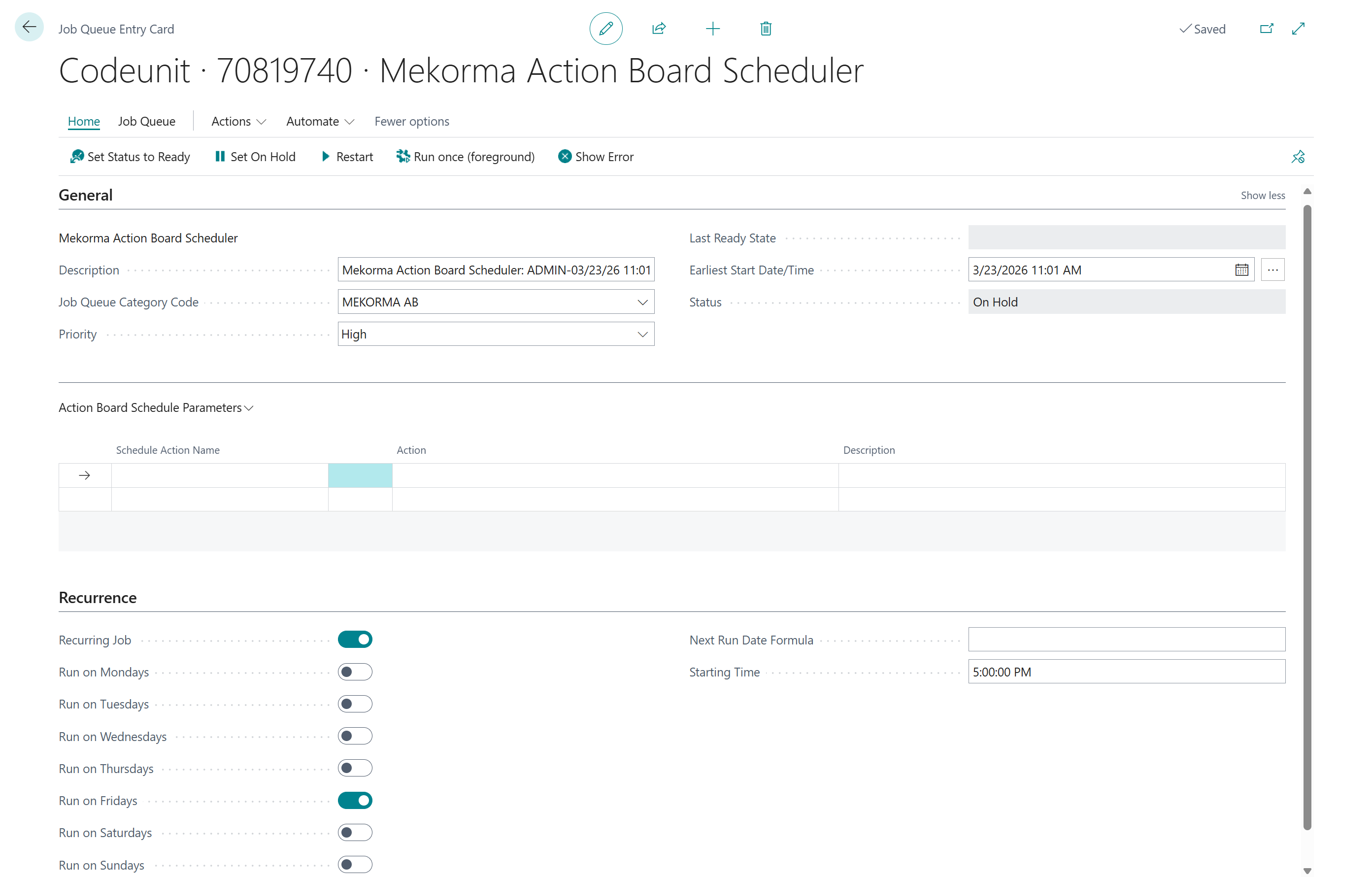
That means your team can work in the same environment while improving the way payment processes move.
Choose Your Next Step
See a Demo & Talk Through Your Process
If you want to see where Scheduler fits into your current workflow, request a Demo, and we'll show you how it works and help you explore the right next step for your team.
Get Mekorma Payment Hub v1.2
If your team is ready to explore the release in Microsoft Marketplace, you can go straight to the Mekorma Payment Hub listing.
FAQs
What is new in Mekorma Payment Hub v1.2?
Mekorma Payment Hub v1.2 offers a new scheduling capability that lets teams schedule recurring payment batch work in Microsoft Dynamics 365 Business Central instead of starting those runs manually.
How does v1.2 help Accounts Payable teams?
Mekorma Payment Hub v1.2 helps reduce repetitive manual work, supports overnight or weekend batch runs, and gives AP teams more time to focus on exceptions, approvals, and decisions.
Does Scheduler remove approval controls?
No. Mekorma Payment Hub v1.2 keeps BC-native approval checkpoints in place, so teams can decide where human review is needed and where the workflow can continue automatically.
Is Mekorma Payment Hub built for Business Central?
Yes. Mekorma Payment Hub is built natively inside Microsoft Dynamics 365 Business Central, helping teams improve payment workflows in a familiar environment.
How can I get Mekorma Payment Hub v1.2?
You can request a demo through the form or go to the Mekorma Payment Hub Microsoft Marketplace listing.